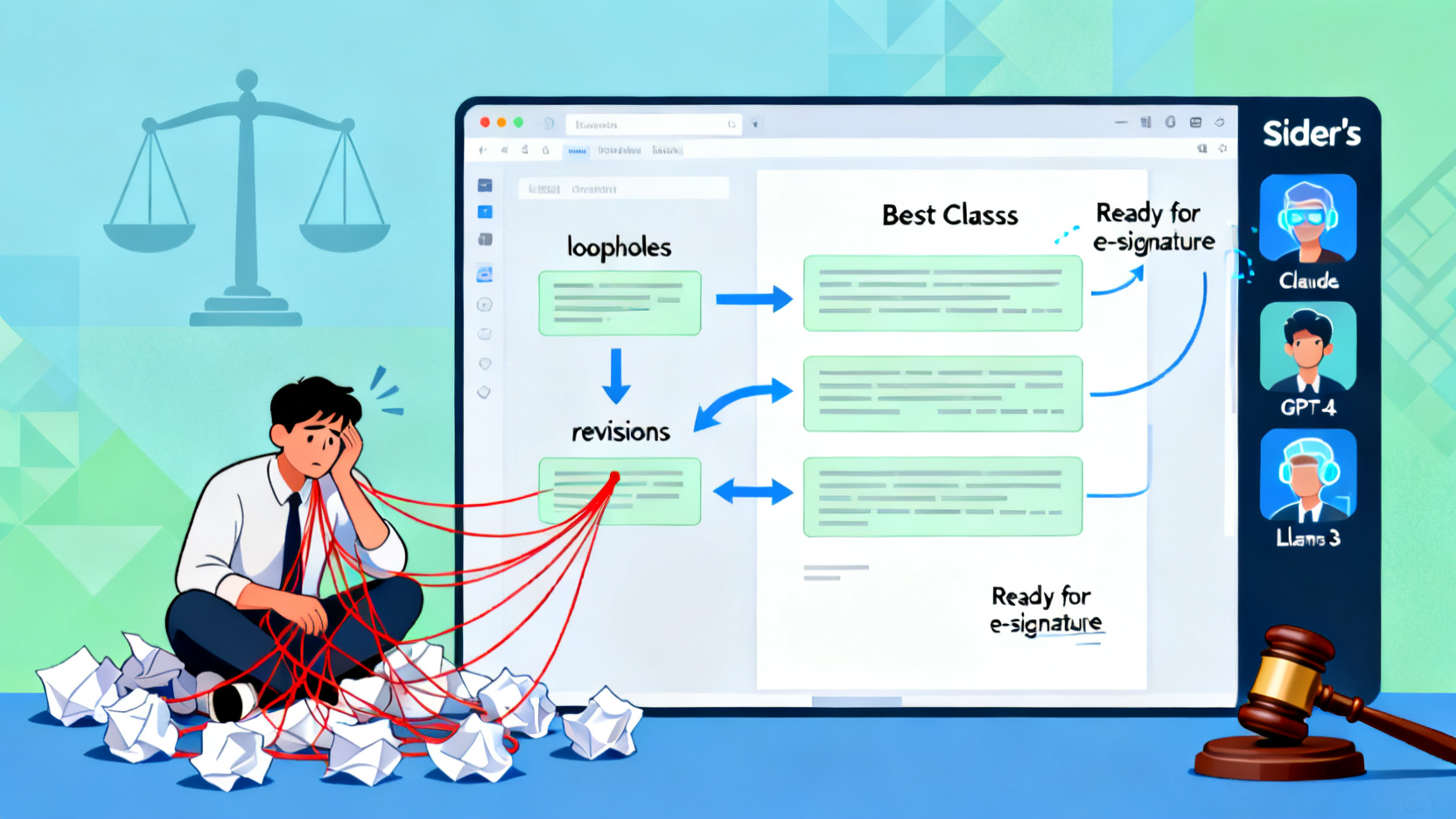
Most founders waste hours wrestling with vague AI outputs when drafting contracts or compliance docs. This little-known Sider sidebar trick lets you run multiple AI models simultaneously—comparing, refining, and finalizing legal language in minutes instead of days.
Spent an entire weekend tweaking a Terms of Service only to realize it’s full of loopholes? You’re not alone. Most solopreneurs and freelancers rely on a single AI model to draft legal documents—then manually edit, cross-check, and second-guess every clause. The result? Endless revisions, inconsistent tone, and lingering doubt.
Here’s the secret: Sider’s sidebar isn’t just a chat window—it’s a real-time legal drafting lab. By running multiple AI models side-by-side with custom prompts, you can generate, compare, and refine legally sound documents in under 30 minutes—making it one of the most powerful AI tools for solopreneurs and a standout in AI automation workflows.
Before vs. After: How AI Automation Workflows Transform Legal Drafting
Before: You paste a prompt into one AI tool, get generic boilerplate, then spend hours editing, Googling clauses, and worrying if it’s enforceable. Output is inconsistent, often missing jurisdiction-specific nuances.
After: With Sider’s multi-model sidebar, you generate three versions of your Operating Agreement simultaneously—one optimized for clarity, one for investor protection, and one for state compliance. Compare them instantly, merge the best parts, and export a polished draft ready for e-signature.
The Multi-Model AI Hack for Faster Legal Drafting
This isn’t about using AI—it’s about using multiple AIs at once like a legal co-pilot team. Here’s how:
- Open Sider’s sidebar on any legal template page (e.g., your Notion doc or Google Doc with a business formation checklist).
- Pin three different AI models (e.g., Claude for nuance, GPT-4 for structure, and Llama 3 for plain-language simplicity).
- Use role-specific prompts in each pane:
- Claude: “Act as a corporate attorney in California. Draft an LLC Operating Agreement clause that protects minority members from dilution.”
- GPT-4: “Generate a clean, numbered section for IP ownership in a freelance contractor agreement, compliant with U.S. federal law.”
- Llama 3: “Rewrite this indemnification clause in plain English a non-lawyer can understand.”
- Drag and drop the best snippets from each model directly into your document. Sider preserves formatting and lets you cite sources.
- Run a final ‘compliance check’ by prompting one model: “Compare this draft against Delaware General Corporation Law § 102. Flag any deviations.”
Real-World Use Case: Weekend Business Launch with AI Productivity Tools
A freelance designer wanted to launch her LLC in 48 hours. Using this hack, she generated:
- An Operating Agreement (Claude + GPT-4)
- A client contract with payment terms and kill fees (Llama 3 + GPT-4)
- A GDPR-compliant privacy policy (Claude + custom prompt)
All in one sitting. She spent 22 minutes—not 22 hours—and avoided $2,500 in legal fees. This approach exemplifies how best AI tools for freelance writers 2024 can double as essential business ops assistants.
Power users treat Sider like a virtual legal war room—running models in parallel to stress-test language, eliminate bias, and accelerate compliance. It’s not automation; it’s augmentation.
Tweetable Insight
Tip: “Stop using one AI model for legal docs. Run three at once in Sider’s sidebar—compare, merge, and ship bulletproof contracts in half the time.”
Why This Works for Solopreneurs Using AI Tools
This workflow leverages what most miss: AI models have legal blind spots. GPT-4 might miss state-specific filings; Claude may overcomplicate clauses. By cross-referencing outputs, you cancel out weaknesses. It’s especially powerful for AI tools for solopreneurs who need speed without sacrificing precision—and fits perfectly into AI automation workflows for client onboarding or entity formation.
Plus, it integrates seamlessly with tools like Notion and Google Docs, making it ideal for best AI tools for freelance writers 2024 who also handle their own business ops.
Try It Yourself
If you want to test this multi-model legal drafting workflow yourself, you can explore Sider’s sidebar and try the same trick—no coding, no setup, just smarter AI collaboration.
Frequently Asked Questions
How does the Sider sidebar reduce legal drafting time?
Can I use different AI models for different legal tasks in Sider?
What kinds of legal documents can I draft using this Sider hack?
Do I need legal expertise to use this Sider technique?
Where do I access the Sider sidebar for legal drafting?
Is the output from multiple AI models consistent and reliable?
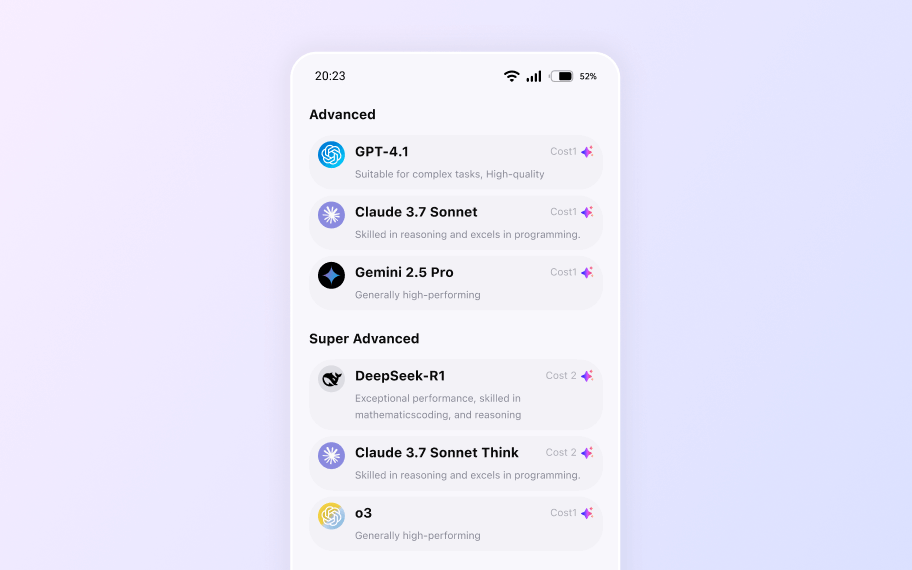
Your All-in-One AI Sidebar
Access Claude, Gemini, and GPT-4o on any site. Summarize, write, and analyze instantly without switching tabs.

Andrew
AI Consultant
Updated Apr 17, 2026