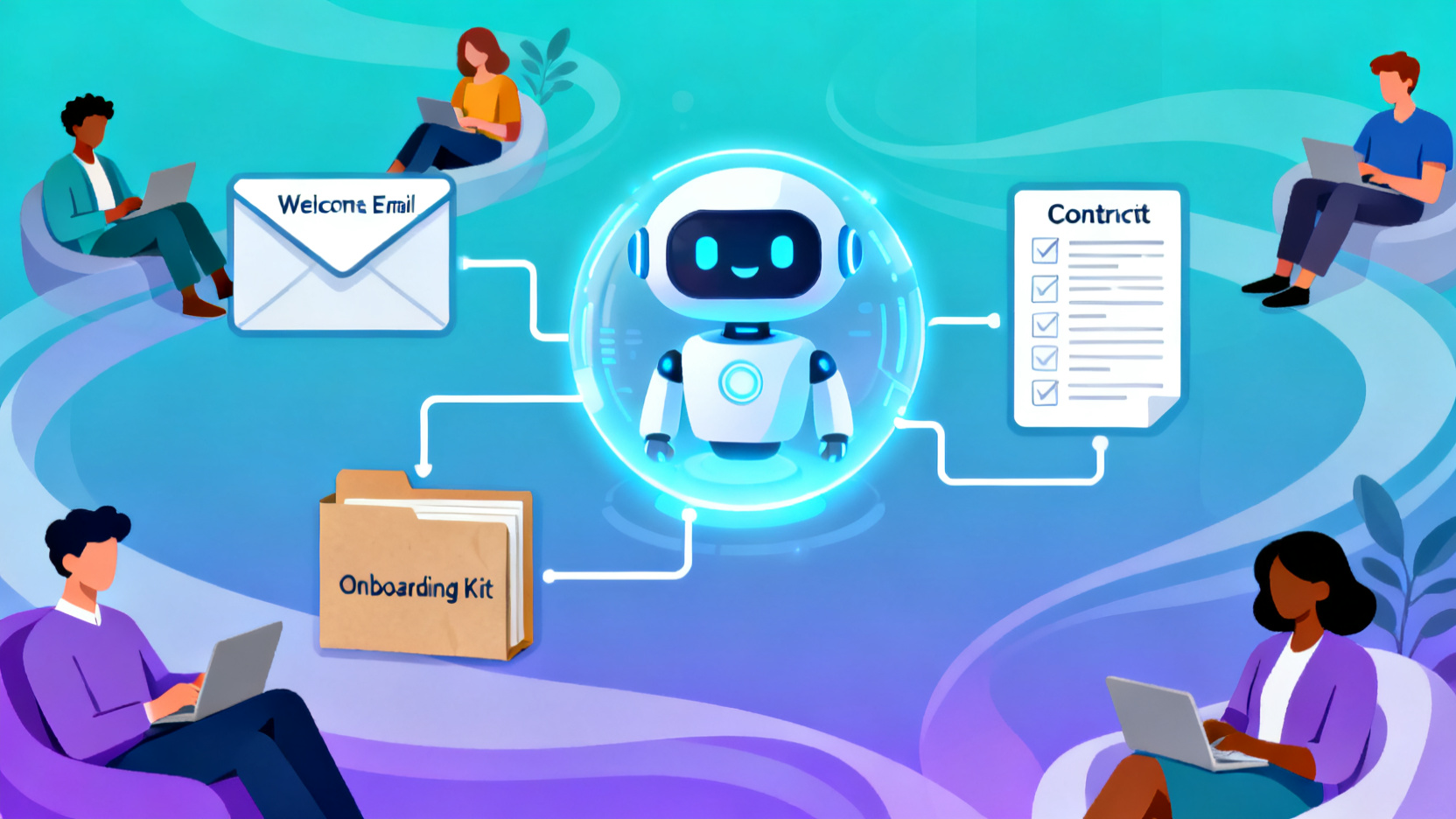
This playbook shows you how to replace manual client onboarding with an AI-powered system using Monica. In under 20 minutes, you’ll create reusable templates, auto-generate welcome emails, contracts, and intake forms—all while freeing up hours each week.
Automate Client Onboarding with AI Productivity Tools for Freelancers
By the end of this playbook, you will be able to:
- Automate your entire client onboarding process using a single AI tool
- Generate personalized welcome emails, service agreements, and intake questionnaires in seconds
- Produce a complete, reusable onboarding package that scales across clients
This workflow is ideal for freelancers, solopreneurs, consultants, and small agency owners who spend too much time on repetitive administrative tasks. If you’re tired of copying/pasting templates or manually drafting onboarding docs for every new client, this AI automation workflow—powered by top AI tools for freelancers—will save you 5+ hours per week.
AI-Powered Onboarding Workflow Overview
Here’s the high-level flow of your AI-powered client onboarding system:
Ideal Client Profile → Welcome Email Draft → Service Agreement → Intake Questionnaire → Final Onboarding Package
Each step builds on the previous one, using context from your business to generate consistent, professional, and personalized materials—without you typing a single sentence from scratch. This is a prime example of how AI automation workflows streamline operations for solo professionals.
Tools in This Stack
Monica (All-in-One AI Assistant)
- What it does: Monica is a browser-based AI assistant that handles chat, writing, research, summarization, and document generation. It supports custom prompts, memory retention, and multi-step workflows.
- Why it’s included: Unlike fragmented tools, Monica consolidates all onboarding tasks into one interface—no switching between ChatGPT, Google Docs, and email drafters.
- Steps it powers: All five steps of this workflow
- Pricing: Free tier available; Pro plan ($10/month) unlocks longer outputs, custom instructions, and file uploads—ideal for freelancers and solopreneurs.
Step-by-Step AI Workflow for Client Onboarding
Step 1: Define Your Ideal Client Profile
Purpose
Establish clear parameters for your typical client so all generated content stays relevant and targeted.
Tool Used
Monica
Input
Your service type (e.g., “SEO consultant for e-commerce brands”), niche, and past client examples.
Action
In Monica, type: “Act as a business strategist. Based on my work as [your role] serving [your niche], create a detailed ideal client profile including pain points, goals, budget range, and communication preferences.”
Output
A structured ICP document you’ll reference in all subsequent steps to ensure consistency. Save this as a Monica note or copy to Notion.
Step 2: Generate a Personalized Welcome Email
Purpose
Create a warm, professional first message that sets expectations and builds trust immediately.
Tool Used
Monica
Input
Your ICP from Step 1 + your service scope (e.g., “4-week SEO audit”)
Action
Prompt: “Write a friendly but professional welcome email to a new client who just signed up for my [service]. Include: next steps, timeline, what they’ll receive, and a call-to-action to schedule kickoff. Use the tone of [your brand voice, e.g., ‘approachable expert’].”
Output
A ready-to-send email draft. Copy it into Gmail, Outlook, or your CRM. You can reuse this template by swapping the client name and service details.
Step 3: Draft a Custom Service Agreement
Purpose
Automate the creation of legally sound, clear contracts without hiring a lawyer for every project.
Tool Used
Monica
Input
Service description, payment terms, deliverables, and timeline
Action
Prompt: “Generate a concise service agreement for [your service] that includes: scope of work, payment schedule, revision policy, termination clause, and IP ownership. Use plain language—no legalese.”
Output
A client-friendly contract draft. Review with a legal advisor if needed, then save as a reusable template in Google Docs or Dropbox.
Step 4: Build an Automated Intake Questionnaire
Purpose
Collect essential client information upfront to reduce back-and-forth and accelerate project kickoff.
Tool Used
Monica
Input
Your service requirements (e.g., “For SEO audit: current website, analytics access, competitors, goals”)
Action
Prompt: “Create a 10-question intake form for new [service] clients. Questions should uncover their goals, current setup, pain points, and success metrics. Format as a numbered list with clear instructions.”
Output
A structured questionnaire you can paste into Google Forms, Typeform, or even send as a simple email. Clients self-serve, giving you everything you need to start work. This is especially useful for AI tools to streamline client onboarding, a key long-tail need for independent creators.
Step 5: Compile the Onboarding Package
Purpose
Bundle all assets into a single, shareable folder for seamless delivery.
Tool Used
Monica + Google Drive (or Dropbox)
Input
Outputs from Steps 2–4
Action
Create a folder titled “Client Onboarding – [Your Business]”. Upload the welcome email draft (as a .txt), service agreement (.docx), and intake form (.pdf or link). Add a short README.md expl
Frequently Asked Questions
How long does it take to set up AI-powered client onboarding with Monica?
What types of professionals benefit most from this onboarding automation?
Does Monica AI require multiple tools or integrations to automate onboarding?
What’s included in the AI-generated onboarding package?
Is Monica AI free to use for automating client onboarding?
How does Monica ensure onboarding content stays relevant to my business?

Noah
AI Operations Manager
Updated Apr 17, 2026