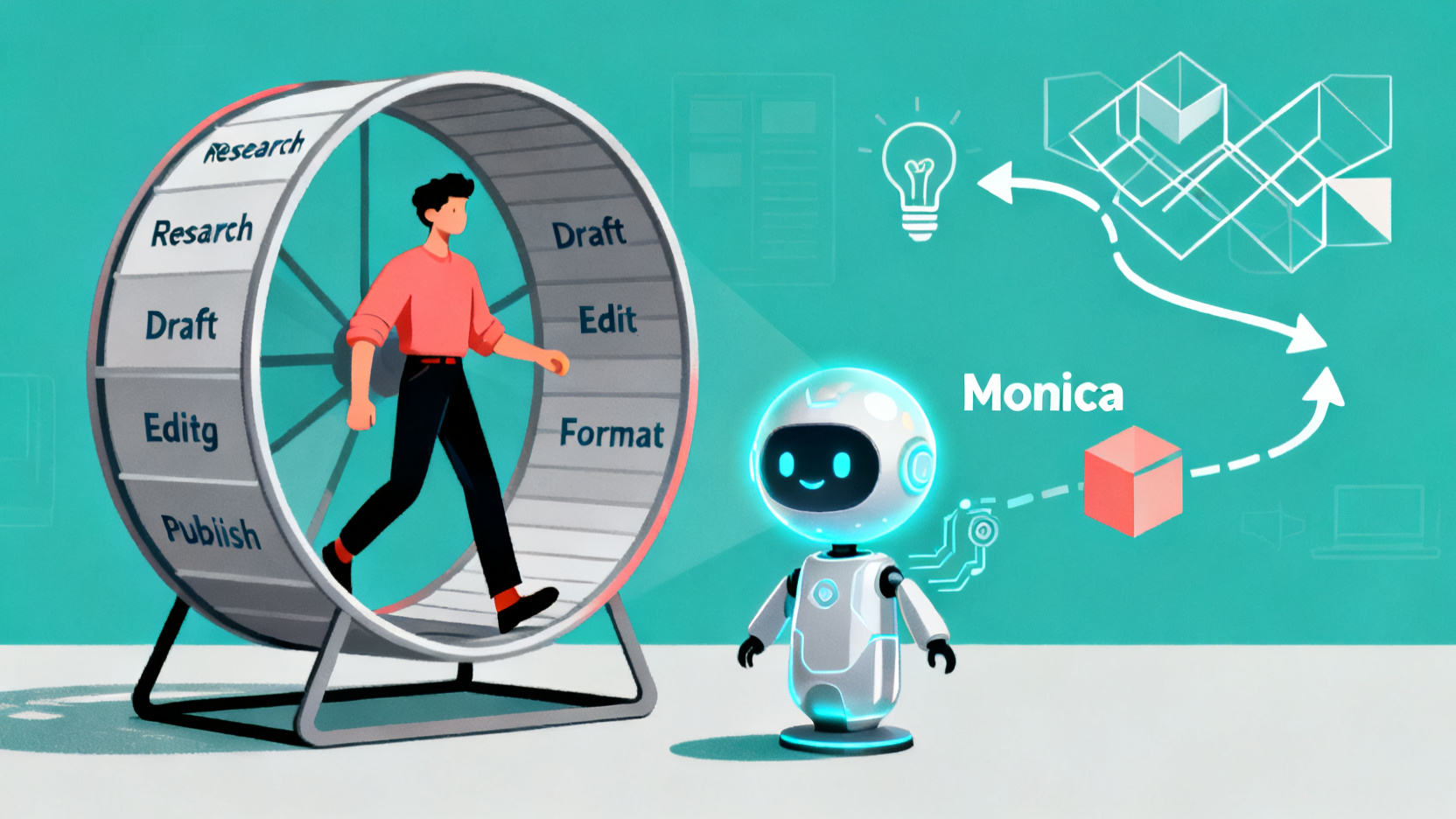
You’re drowning in drafts, half-finished scripts, and endless editing rounds—while your best ideas gather dust. What if you could turn a 5-hour content grind into a 90-minute autopilot workflow? That’s exactly what happened when I rebuilt my entire creation process around Monica.
How I Cut My Content Production Time by 70% Using Monica
You’re not lazy. You’re just stuck in the content hamster wheel.
Research → draft → edit → format → publish → repeat.
Sound familiar? As a digital creator, your bottleneck isn’t ideas—it’s execution. And every hour spent tweaking commas is an hour stolen from strategy, growth, or sleep.
I used to spend 5+ hours on a single LinkedIn post or newsletter. Now? I ship the same quality in 90 minutes—thanks to Monica, my all-in-one AI co-pilot.
Here’s how I rebuilt my workflow so I create more, not harder.
Why Most Creators Waste Hours (Without Realizing It)
Most solo creators treat AI like a fancy autocorrect. They paste a paragraph, click “rewrite,” and call it a day.
But that’s leaving 90% of the value on the table.
The real magic happens when you use Monica to orchestrate entire workflows—from idea validation to final polish—without switching tabs or context.
For example: - Need stats for a thread? Ask Monica to find recent data on creator burnout. - Got a messy voice note? Paste the transcript and ask it to structure it into a blog outline. - Writing feels flat? Command: “Make this sound like a confident friend giving advice.”
This isn’t editing. It’s production engineering.
My 3-Step Monica-Powered Content System
Step 1: From Idea to Outline in 8 Minutes
Instead of staring at a blank doc, I start with a prompt:
“Act as a top-tier content strategist. Give me a 5-part outline for a viral LinkedIn post about AI tools that help solopreneurs reclaim 10+ hours/week. Include hooks, data points, and a strong CTA.”
Monica spits out a structured skeleton—often better than my first drafts. I tweak 10%, then move on.
Pro Tip: Save your best prompts as templates. I have one called “Viral Hook Generator” that I reuse weekly.
Step 2: Draft + Research in One Flow
Old way: Open 5 tabs → skim articles → copy quotes → lose focus.
New way: Use Monica’s “Web Search + Summarize” feature.
Type: “Find 2024 stats on AI adoption among solo founders and summarize key takeaways.”
Boom—instant, cited insights dropped right into your doc. No tab chaos. No fact-checking rabbit holes.
Then, expand each outline section with: “Write 120 words on [point], using examples from indie hackers.”
Result? A near-final draft in 20 minutes.
Step 3: Auto-Polish for Voice & Platform
Raw drafts are rarely platform-ready. Monica fixes that with tone-shifting commands:
- “Make this more conversational for Twitter.”
- “Shorten for Instagram captions.”
- “Add emojis and line breaks for readability.”
I even use it to generate alt-text for images (“Describe this chart for screen readers”) and meta descriptions.
Real Benchmark: My average editing time dropped from 3.2 hours to 55 minutes per long-form piece.
Two Insider Hacks Most Users Miss
Hack #1: Chain Commands Like a Pro
Don’t run one-off tasks. Build prompt chains:
- “Summarize this podcast transcript.”
- “Extract 3 actionable tips.”
- “Turn tip #2 into a carousel script.”
- “Generate hashtags for LinkedIn.”
This turns one input (e.g., a 45-min interview) into 5 pieces of content—automatically.
Hack #2: Use the Chrome Extension for Real-Time Editing
Highlight any text on the web → right-click → “Ask Monica.”
- Rewrite competitor headlines for inspiration.
- Simplify jargon in client briefs.
- Translate comments for global audiences.
It’s like having a live editor embedded in your browser.
The Bottom Line: Reclaim Your Creative Energy
Tools don’t replace creators—they amplify them.
Monica isn’t about doing less work. It’s about redirecting your genius away from mechanical tasks and toward high-leverage thinking: storytelling, strategy, and connection.
When I stopped editing and started orchestrating, my output doubled—and my stress halved.
If you’re a digital creator drowning in drafts, ask yourself: What could I build if I got 15 hours back every month?
With Monica, that future isn’t hypothetical. It’s your next workflow.
Ready to automate your content engine? Start with one repetitive task this week—like research or formatting—and hand it to Monica. Track your time saved. Then scale from there.
Your future self (and your audience) will thank you.
Frequently Asked Questions
How does Monica actually save time for content creators?
Can Monica replace human editors or copywriters?
Is Monica worth it for part-time creators?
How do I integrate Monica into my existing workflow?
Does Monica work for video or audio content too?
What’s the biggest mistake new users make with Monica?

Free access to GPT-4o & Claude 3.5
Claim now and boost your productivity together!

Andrew
AI Consultant
Updated Apr 17, 2026